

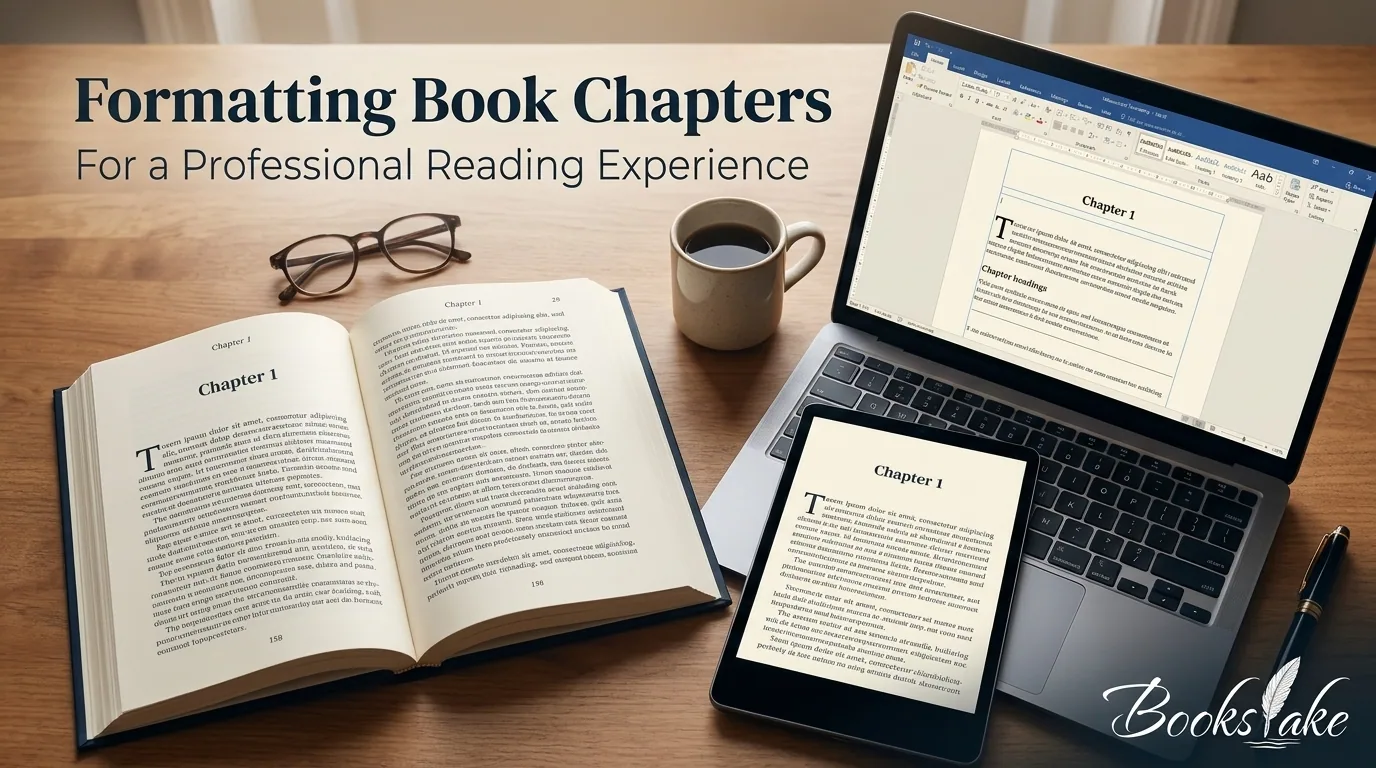
Events: A good book can be hard to read because of inconsistent formatting. Different fonts for chapter titles, uneven spacing, and crowded paragraphs can distract the reader’s attention from the content. Proper formatting of chapters assists in preserving the organization of the manuscript, increases readability, and adds to the polished look of the finished book.
Whether you’re writing a novel, memoir, nonfiction guide, or educational book, a consistent layout helps readers move through the content without interruption. The aim is to ensure that each chapter is easy to read, easy to follow, and easy to navigate.
Why Is Book Chapter Formatting Important
Chapter formatting gives readers a good sense of structure. It breaks up the sections, makes it easy to see where the chapters start, and gives the book a consistent look.
What if you read a novel, and one chapter had a centered title, the next chapter used a different font, and another chapter started immediately after the last chapter ended? These inconsistencies can make the book feel unfinished, even if the writing is good.
Clear chapter titles also assist nonfiction readers in finding certain topics when they want to revisit information. In fiction, consistent chapter layouts create natural breaks between scenes, events, and story developments.
The Essentials of Formatting a Book Chapter
Before you start formatting your manuscript, set up some basic rules for your chapter headings, paragraphs, and page layouts. It makes formatting easier and reduces mistakes if you keep the same settings throughout the book.
Chapter Numbers and Titles
The numbers and titles of chapters should be consistent throughout the manuscript. You can have numbered chapters with descriptive titles, just the chapter numbers, or titles without numbering.
For example, a nonfiction book might be called “Building Better Writing Habits.” A novel, however, might be called “The Unexpected Visitor.”
Keep the same capitalization, font size, alignment, and spacing. Don’t change the heading style from chapter to chapter without a good reason.
Chapter Opening Pages
Most books begin each chapter on a new page. It divides chapters and gives readers a clear starting point.
Leave enough space before the main text starts to place the chapter number or title near the top of the page. Don’t use too much white space or decoration that distracts from the content.
Paragraph Indentation and Spacing
Paragraphs should be easy to distinguish, but don't leave extra gaps. Printed books are usually in first-line indent style, while some nonfiction books and ebooks are in space-between-paragraphs.
Choose one way and stick with it. The layout can appear uneven because of the use of indented paragraphs and large gaps between each paragraph.
Proper Formatting of Book Chapters
There are some basic formatting decisions you can make that will help you keep your manuscript clean and avoid unnecessary editing later. The same rules apply to chapter headings, margins, paragraph styles, and page breaks.
Pick a heading style and stick to it
Before you format the entire manuscript, choose the font, size, alignment, and spacing for your chapter headings. Microsoft Word has styles built in that let you apply the same formatting to all of your chapter titles.
If you want to change the size or font of the heading later, you can update the style instead of editing each chapter separately. Authors who need help preparing their manuscripts can also use professional book formatting services. Bookslake provides these services to help authors organize chapter layouts, maintain consistent formatting, and get their manuscripts ready for publication.
Set proper margins and spacing.
Ensure that margins leave enough space for text, especially around the bound edge of a printed book. The margins you will need will depend on the trim size, page count, and binding method.
Keep line spacing comfortable and consistent. Too much white space and the pages look empty; too dense, and it’s hard to read.
Paragraph and Dialogue Formatting
As a general rule, each new speaker in fiction should begin a new paragraph. This makes it easier to follow the conversation, especially if there are a few characters talking.
Nonfiction manuscripts should also have consistent formatting for quotations, lists, examples and subheadings. Do not change paragraph styles unless you have a good reason.
Book Chapter Formatting Mistakes
Small formatting mistakes can make a manuscript look unprofessional. Check your document for these common issues before hitting publish.
Headings inconsistent: Font, size, or alignment of chapter titles varies.
Too much space: There are uneven gaps between paragraphs because of blank lines.
Wrong page breaks: Chapters move when editing earlier text.
Mixed font styles: Inconsistent layout due to unnecessary font changes.
Use actual page breaks to begin chapters, rather than repeatedly pressing EImportant?nter. Page breaks are used to hold chapter openings when you add or remove text.
Book Chapter Formatting—Print vs. Ebook
Print books and ebooks have different requirements for layout, so formatting should be tailored for each publishing format.
Formatting for Printed Books
Printed books have a fixed page size, margins, and positions on the page. It is important to check chapter openings, page numbers, and inner margins carefully when dealing with books with many pages.
Ensure that the text is not too close to the binding and that chapter headings have sufficient space around them.
Ebook Formatting
Ebook readers allow you to adjust font sizes, screen orientation, and reading settings. Fixed spacing may not display correctly on all devices.
Use appropriate heading styles and chapter breaks, not blank lines, to control layout. Check the ebook on different screens, headings, paragraph spacing, and navigation.
Review Before Publishing
Review the whole manuscript before exporting the final version. Verify chapter sequence, numbering, heading styles, paragraph spacing, page breaks, and font uniformity.
If you’re publishing both print and ebook editions, review each version individually. Formatting issues can pop up when exporting to PDF or converting to an ebook format that don’t show up in Word.
Consistent chapter layouts, readable text, and clean page breaks go a long way toward making a book look professionally prepared.
Book Chapter Formatting FAQs
Starting each chapter on a new page?
Yes. New chapters on new pages keep the book tidy and define the sections well.
How large should chapter headings be?
Choose a legible size that fits the layout of the book and use it consistently throughout.
How to format chapter headings in a Word document?
Use Word’s built-in heading styles to format chapter headings consistently. Apply the same font, size, alignment, and spacing to each chapter title to maintain a uniform layout throughout the manuscript.
Do book chapters have page numbers?
Yes. Book chapters generally follow the book’s page numbering sequence. Page numbers help readers navigate the manuscript and locate specific chapters or sections.
Do book chapters have their own page numbers?
No. Chapters usually share continuous page numbering throughout the book rather than restarting the page count with each chapter.
Do book chapters have their own page numbers?
Page numbering depends on the book’s layout and publishing style. Most books use continuous numbering, while chapter opening pages may have page numbers hidden or positioned differently.
Most books have page numbers running through the main bodies. Placement on chapter opening pages is a function of the design of the book.